DONT LET IT HEAR Sound Mechanics
How hearing, splash audio, and calm-water waits decide crowded flooded runs.
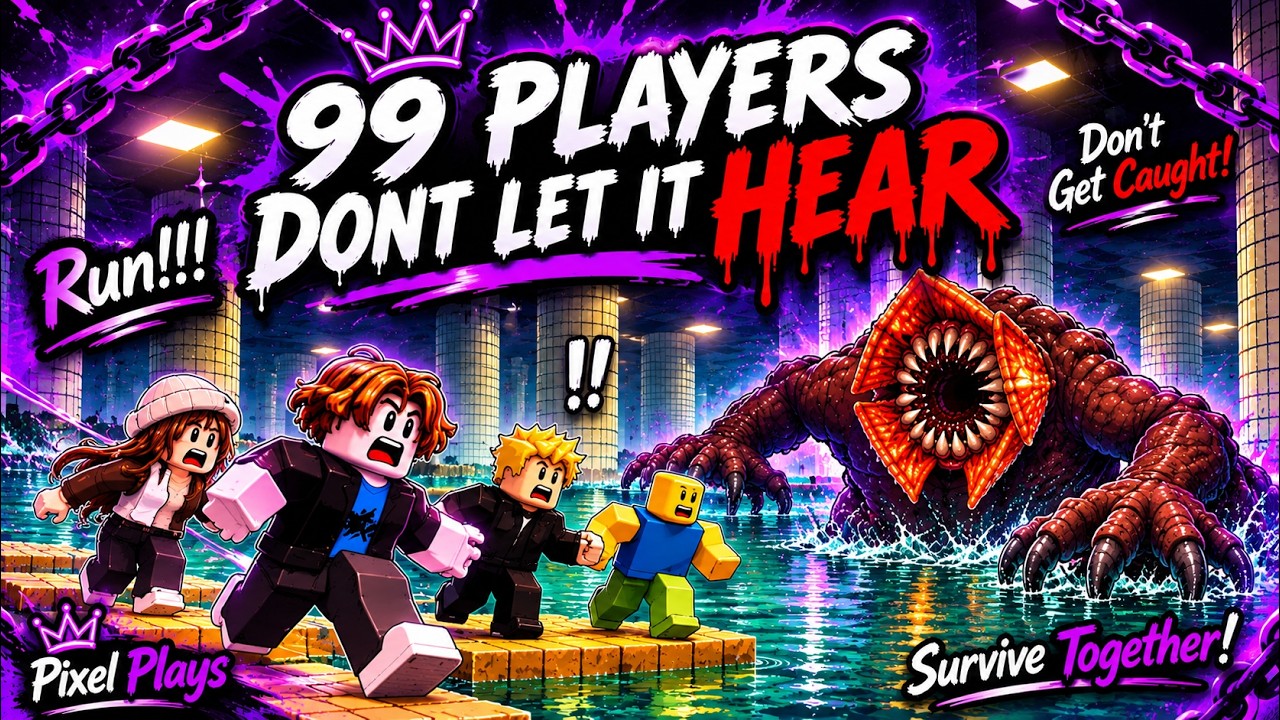
Sound is the real combat system in DONT LET IT HEAR. The Roblox survival escape from the shallow side sells a simple fantasy: flooded platforms, still water that waits, and a blind creature that hears you splash. Taglines like “The water is still. It waits for you. Don’t splash.” are not flavor — they are the ruleset. This page explains how to treat hearing, water noise, headphones, and teammate audio as a playable system inside 99-player lobbies, what we can state confidently from live play, and what remains community speculation.
Read this after Getting Started and beside How to Survive. Pair jump timing with Controls, then stress-test calm waits on routes from the Full Walkthrough. For party callouts that keep audio clean, continue to Team Tips.
What we know versus what we speculate
Known (treat as baseline):
- The creature fantasy is hearing-based, not a normal line-of-sight chase alone.
- Water contact and splash events are the primary danger signal players must manage.
- Dry platforms are the safe operating surface; pools and flooded edges are risk volumes.
- Large lobbies amplify shared noise — your perfect silence can still fail if someone else detonates a lane.
- Headphones (or quality earbuds) are strongly recommended because cues are easy to miss on open speakers.
Speculation / unverified (do not treat as patch notes):
- Exact engine radii, decibel thresholds, or hidden “aggro meters” are not officially published as a public spreadsheet.
- Claims that walking always equals silent and sprinting always equals loud oversimplify device lag, splash volumes, and crowd physics.
- Comparisons to other Roblox water-horror titles (for example pebble or valve puzzles in different games) are not confirmed mechanics for DONT LET IT HEAR. Keep those as comparisons only.
- Script menus that mute client audio do not rewrite server-side threat logic — see Scripts Hub for ban-risk context, not “sound cheats.”
When a creator post or patch contradicts a habit on this page, trust the Updates Hub over lobby myths.
Hearing as a decision layer
Think in three layers every time you approach water:
- Self noise — will my next jump, landing, or recovery touch water?
- Local lane noise — did someone already splash within the corridor I am about to enter?
- Lobby weather — is the whole mid-map currently in a panic pulse that makes any crossing stupid?
Sound mechanics reward players who answer those questions before they move. Visual greed — staring at a distant spectacle — is how you miss a wet edge under your own feet.
Splash audio literacy
Train yourself to separate useful cues from social noise:
- Fresh splash — a sharp water hit near your lane. Freeze on dry ground and reassess.
- Ongoing disturbance — repeated hits, thrashing, or a crowd still finishing a bad crossing. Wait longer than feels comfortable.
- Calm return — the bed of water noise settles. That is your window, not the first frame after one stranger yells “go.”
- Threat-adjacent beds — proximity stingers, movement beds, or tension layers that suggest attention has shifted. Exact mix names vary by update; the skill is noticing change, not naming every stem.
If you cannot classify the last five seconds of audio, you are not ready to commit the next gap. Hold.
Calm-water waits (the underrated skill)
Calm-water waiting is not AFK. It is active listening on a wide dry tile with two exits when possible.
Practical wait loop:
- Stop facing the gap you care about.
- Stabilize the camera so you can see water borders and incoming players.
- Count beats after the last clear splash cue instead of only eyeballing ripples.
- Let reckless players take contested crossings first.
- Cross in one decisive sequence, then kill momentum on landing so you do not skate into a second wet volume.
In 99-player sessions, waiting feels social-awkward. It is still faster than a full wipe caused by entering a lane that never finished screaming.
Headphones and mix discipline
Open-room speakers, Bluetooth dropouts, and party chat stacked louder than the game will erase the only warning layer the design gives you.
Setup checklist:
- Prefer wired headphones when you can.
- Keep game audio above Discord/party chat.
- Lower music if the mix buries water hits.
- On mobile, earbuds beat the tinny speaker; enable Do Not Disturb so notifications do not steal a jump window.
- On console, do not let party voice bury environmental cues.
Re-run the Quiet Run Checklist before peak-hour lobbies so device mix is automatic.
Teammate noise as environmental hazard
Other survivors are moving speakers. Categorize quickly:
- Quiet stack — short callouts, shared holds — stay near them (Team Tips).
- Chaotic sprinters — treat as splash bombs; take alternate dry lines.
- Clip farmers — may take intentional wet risks for footage; do not mirror.
- AFK bodies — block landings; path around early.
Never “correct” a stranger mid-gap with a shove. You will both become audio events. Chat essays on thin beams are also self-sabotage — type on wide dry tiles only.
Crowded-lobby audio tactics
| Situation | Sound-first response |
|---|---|
| Mid-map pulse of 15+ jumpers | Hold behind the chokepoint until the pulse breaks |
| One splash two platforms away | Freeze, listen for follow-up, then advance one hold point or reroute |
| Friend calls “crossing” while water still loud | Override with “hold” — loyalty does not calm water |
| You splash accidentally | Assume attention may shift; recover per How to Survive, do not rage-retry instantly |
| Lobby argues about fake codes | Ignore; codes do not mute the creature |
Practice drills (fifteen minutes)
- Edge audio: approach ten dry edges, stop, and name whether nearby water sounds calm or disturbed before any jump.
- Beat counting: after each observed splash, wait a fixed mental count before moving — then adjust the count to your risk tolerance.
- Lane weather: spend one run only choosing when NOT to enter popular crossings.
- Mix stress test: intentionally lower party chat and confirm you still hear water hits.
- Debrief: mark which deaths were visual greed versus true forced wet contact; rank habits on the Survival Habits Tier List.
Related pages
- Getting Started — day-one headphone rule
- How to Survive — pathing under pressure
- Team Tips — callouts that protect silence
- Controls — jumps that do not manufacture splash
- Full Walkthrough — stage hold points
- Guides Hub — full tutorial map
Master sound and the map becomes readable. Ignore sound and every platform is a coin flip. In DONT LET IT HEAR, quiet feet are the meta.
Frequently Asked Questions
Quick answers about staying dry and escaping the hunt.
Does the creature in DONT LET IT HEAR see you or hear you?
The fantasy is hearing-based: it reacts to water and splash. Treat dry platforms as safe ground and water contact as the danger signal.
Why are headphones recommended?
Splash cues, calm-water returns, and threat-adjacent audio are easy to miss on open speakers or when party chat is louder than the game.
How long should I wait after someone splashes?
Wait until the water bed feels calm again and count beats after the last clear splash. Crossing during ongoing disturbance is how quiet players inherit other people's mistakes.
Can scripts mute the creature?
No reliable fair answer. Injected menus add ban risk and do not replace dry pathing. See the Scripts Hub, then return to legitimate audio habits.
Are pebble or valve puzzles part of this game's sound system?
Not as confirmed DONT LET IT HEAR facts. Other similar Roblox water-horror games may use different toys. Stick to flooded platforms, splash hearing, and dry pathing here.