DONT LET IT HEAR Tools & Quiet Run Checklist
A practical pre-run checklist so you enter flooded lobbies focused, dry, and listening.
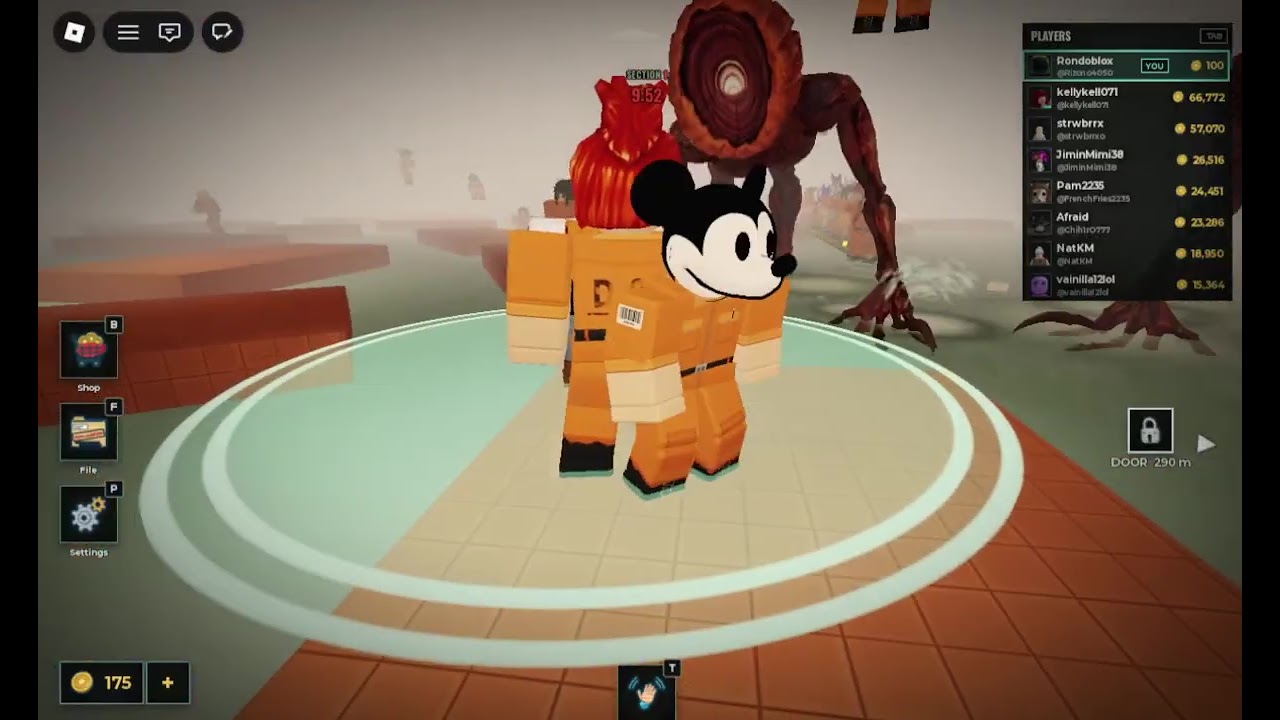
The Tools Hub for DONT LET IT HEAR is intentionally simple: a Quiet Run Checklist you can reuse before every serious lobby. Softwares and executor “tools” are not what we mean here — those belong under Scripts Hub with ban warnings. This page is a legitimate readiness tool for flooded platforms, pool areas, and up to 99 players who may not share your discipline.
Print it mentally. Run it out loud with friends. Tick every box before you touch the first gap. Then play using Getting Started and How to Survive.
Quiet Run Checklist
1) Audio kit
- Headphones or earbuds connected and selected as the output device
- Game volume high enough to hear water disturbance cues
- Music / ambient lowered if it masks splash or threat audio
- Party chat ducked under game sound (Discord, console party, mobile calls)
- Notification sounds muted for the next 30 — 0 minutes
If any audio box fails, fix it before Join. Playing deaf is a self-imposed hard mode.
2) Device and graphics
- Stable network (avoid captive Wi-Fi that hiccups mid-jump)
- Charge or power connected on mobile / laptop
- Graphics preset lowered enough to keep frame time smooth in busy lobbies
- Overlays that steal focus disabled (store popups, RGB suites, heavy browsers)
- Roblox client updated; avoid joining mid-forced update
Smooth frames support the jump timing drilled in Controls.
3) Path plan
- Reminder spoken: do not splash — the creature hears water
- First hold point chosen after spawn (wide dry tile, two exits if possible)
- Personal rule set: prefer dry detours over wet shortcuts
- Abort rule set: cancel jumps when landings are crowded
- One stage pattern refreshed from Full Walkthrough
- One S-tier habit chosen from Survival Habits Tier List
4) Callouts (solo or stacked)
- If solo: mute toxic chat mentally; do not type on ledges
- If stacked: agree on hold / cross / left / back / quiet
- Agree that grief revenge is banned inside the party
- Decide who leads crossings versus who watches audio
- Confirm nobody will open shop or code UI mid-gap —Codes Hub waits until after
5) Account and safety
- Joining the official place link, not a spoofed copy
- Optional: group membership on the shallow side checked for shouts —Players Hub
- No executor attached on the account you care about
- No random loadstrings from chat (see Command Menu only as risk documentation)
- Friends list / privacy settings comfortable for public 99-player servers
6) Post-join micro-check (first 30 seconds)
- Assets streamed; movement feels normal
- Water borders visible at feet with current camera
- Audio cues audible in the starting area
- Spawn wing assessed for chaos; peel if needed
- First movement is a walk to a dry hold, not a sprint into a pool lip
7) After-run review (two minutes)
- Note cause of each death: self splash, forced splash, threat pressure, other
- Promote one habit next session; demote one C/D habit
- Check Updates Hub only if something felt patch-new
- Stretch hands / eyes before queueing again
How to use this tool with friends
Assign one person as checklist lead for peak hours. They read sections 1 — in under a minute while everyone gear-ups. Section 6 is personal after join. Section 7 happens in the menu between lobbies. This ritual feels cheesy until it saves a wipe caused by muted headphones or a half-updated client.
What this checklist is not
- Not a guarantee against other players’ splashes
- Not a substitute for skill pages on the Guides Hub
- Not a codes generator — none confirmed in Nov 2026
- Not permission to use injected tools
Related pages
- Getting Started — day-one rules
- How to Survive — in-round decisions
- Controls — input drills
- Tier List Hub — habit ranks
- Players Hub — group and etiquette
- Updates Hub — live status
Tick the boxes. Stay dry. Let the lobby make the noise without you.
Frequently Asked Questions
Quick answers about staying dry and escaping the hunt.
What tool should I use before a DONT LET IT HEAR run?
Use the Quiet Run Checklist on this page: audio, graphics, path plan, callouts, and a post-join micro-check.
Do I need special software for this checklist?
No. It is a readiness routine. Executors are unrelated and carry ban risk documented on the Scripts Hub.
Can friends share the checklist?
Yes. Assign a lead to read sections 1 — aloud before peak-hour stacks.
When should I skip the checklist?
Do not skip it for "quick queues." The fastest wipe is joining deaf, unstable, and without a dry plan.